
|
Pen and Paper
|
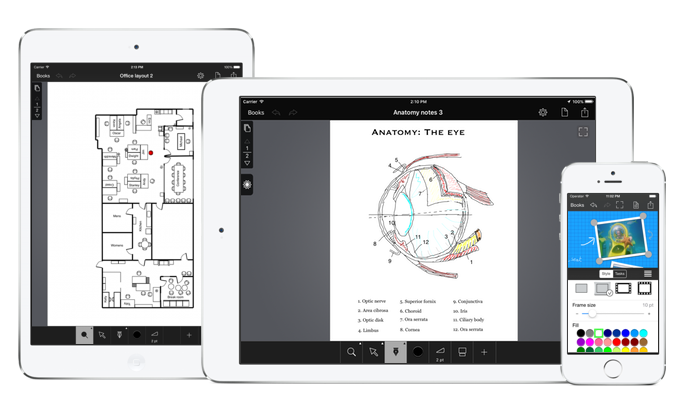
Replace your old-fashioned notebooks, with Pen and Paper for iPhone and iPad. With Pen and Paper you can create multiple notebooks that you can always carry with you wherever you go.

Zoom
One of Pen and Paper's main strengths comes from the 20x zoom feature that allows you edit even tiny details on your iPhone or iPod's small screens. Pinch to pan and zoom freely. You'll be surprised to see how far you can go.
Drawing
You can draw with your finger. Select color and a thickness that matches your current zoom level. Use the eraser tool or undo and redo to fix mistakes.
Text and shapes
Use the text-tool to add text and text-boxes anywhere you want on the page. You can set text color, size, font and style as you like.
You can also add rectangles, circles, arrows, and even photos, to your notes. Set colors, border thickness, and drop-shadows for a more professional look.
Area selection
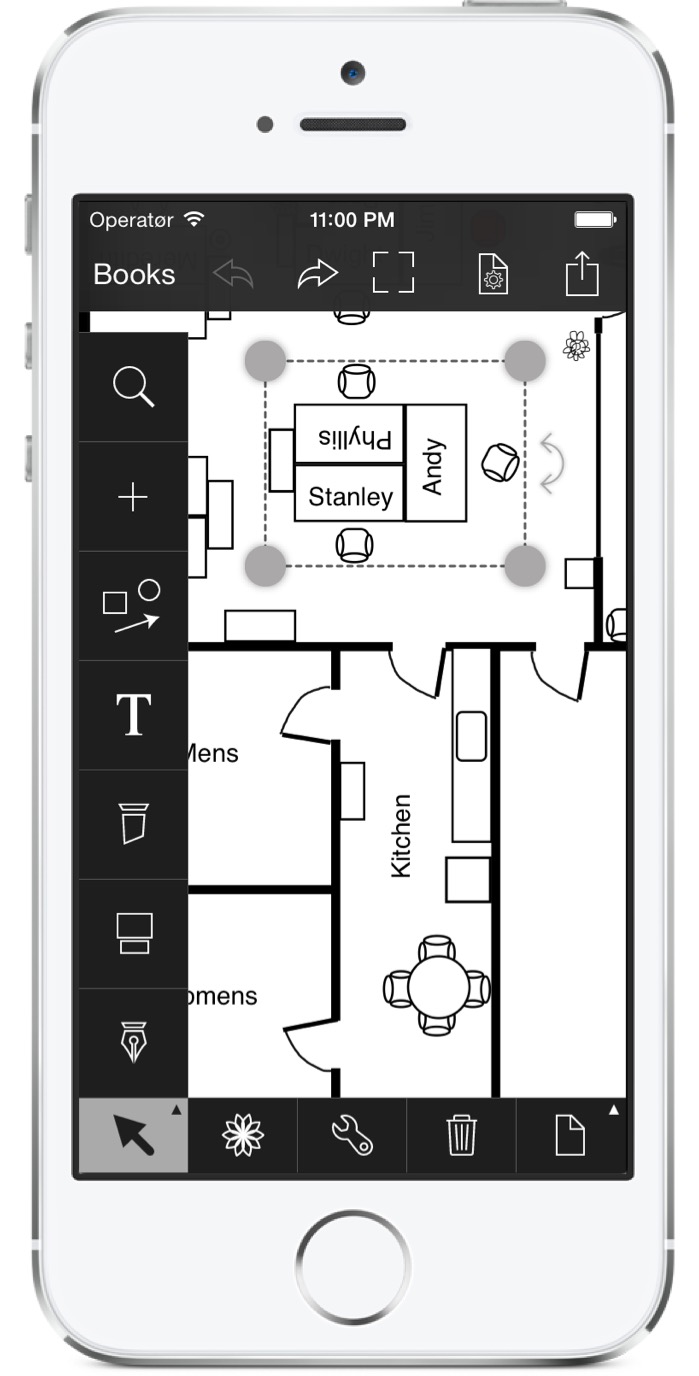
Use the area selection tool to select portions of your notes and freely move and resize them. If your sketch is too big, simply mark the area of the page that you wish to resize and move.
Groups and Clipart
You can group objects and pen strokes within an area. Once grouped you can manipulate the group as an individual shape.
Groups of geometrical objects can be reused across multiple documents by using them to create a clipart. Clipart can be inserted anywhere in your notes.
Page organization
Tap on the page list icon to open the page list and reorganize the pages in your notebook, or cut, copy and paste individual pages within the same notebook or to other notebooks.
Page Style
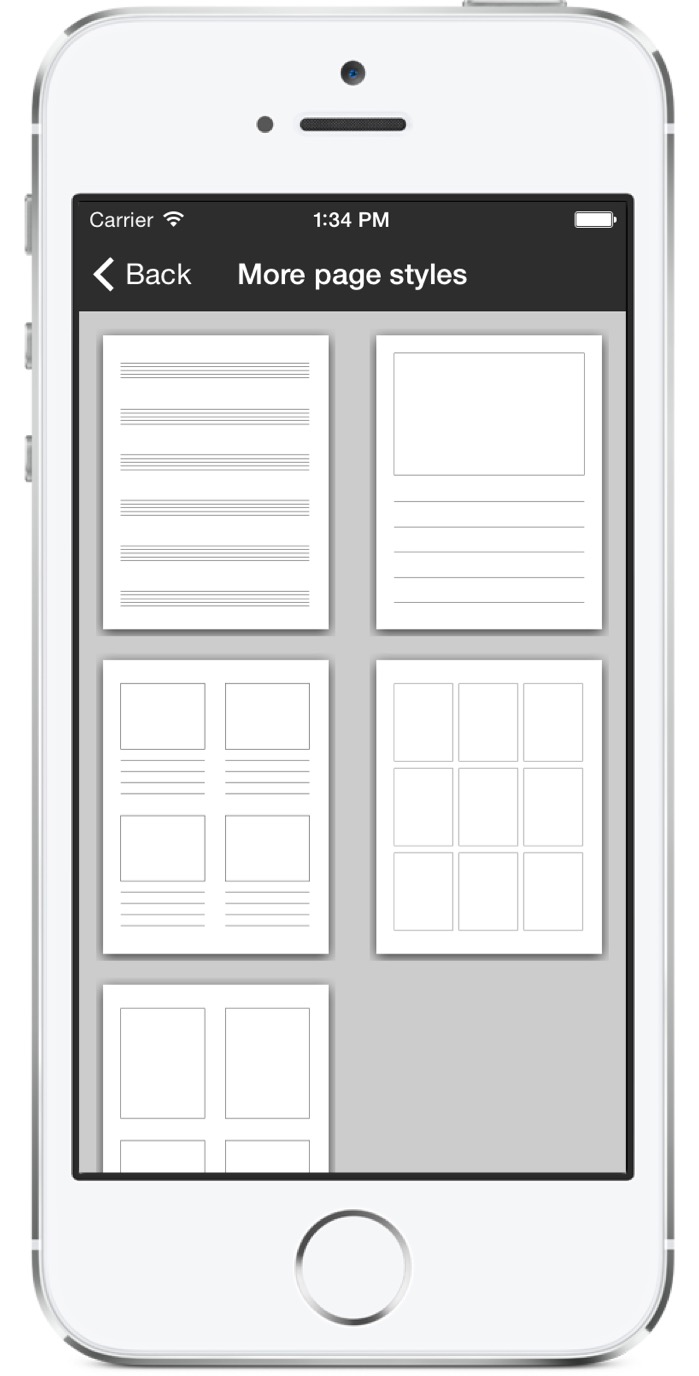
Select a page size among A4, letter, and legal, and one of three different basic styles; Lines for textual notes, grid for math. and a blank page for freeform notes. Switch styles easily while you work; Change to grid to aid your drawing, and change back again once your no longer need the grid to assist you.
Pen and Paper includes several more exotic page styles for e.g. storyboards, and you can even create your additional page styles. You can convert any page that you have created or imported from a PDF file into a custom page style that you can use as background in any notebook.
iCloud
Individual documents can be synchronized across your devices with iCloud synchronization.
Dropbox
You can also upload your notebooks to your Dropbox account and download them from that account again. This enables you to edit a notebook on your iPad, upload it to Dropbox and then download it for further editing on your iPhone.
PDF Import and Sharing
You can import PDF files as document backgrounds and draw your own notes on top of them. Pen and Paper includes a virtual text-marker for marking text.
You can also import PDFs as slide notes. So if you receive a presentation, simply create your own slide notes directly with Pen and Paper, and write your notes next to each slide.
PDFs can be imported from Mail, Dropbox and via iTunes document synchronization.
Sharing
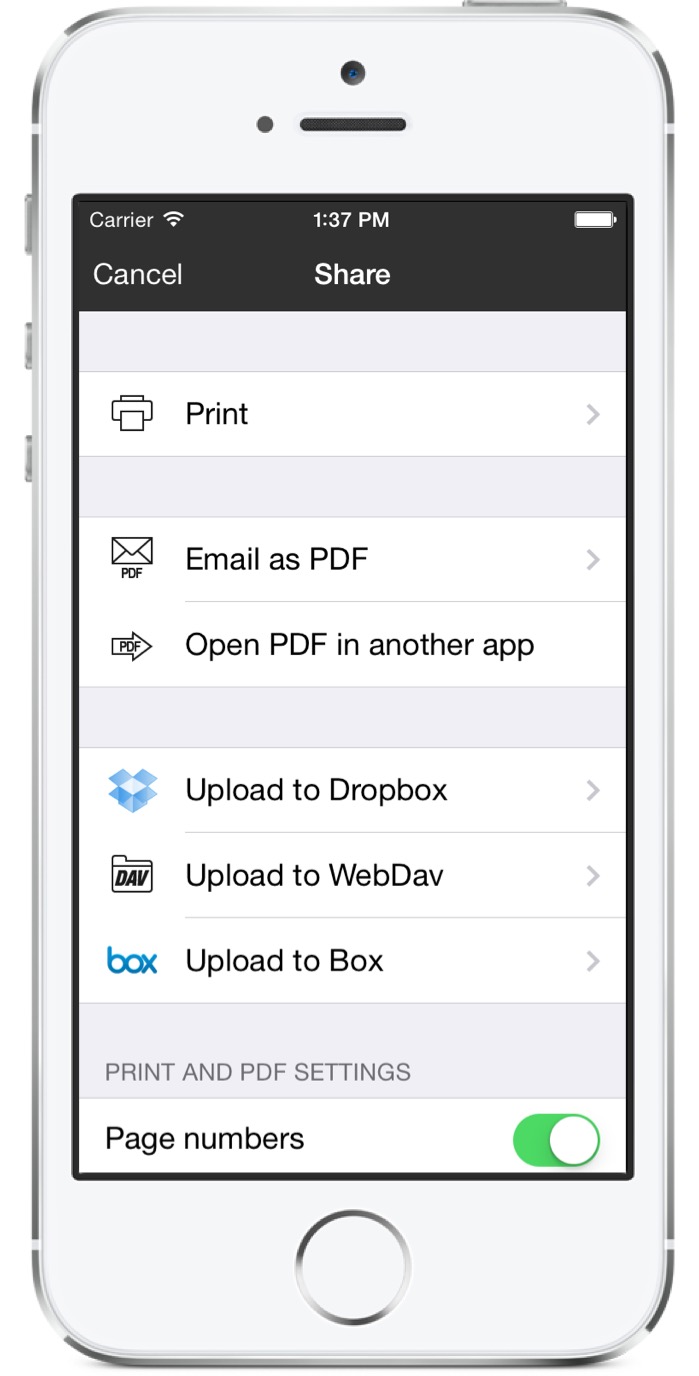
If you need to share your notes or print them, use the email and AirPrint features from within the app.